
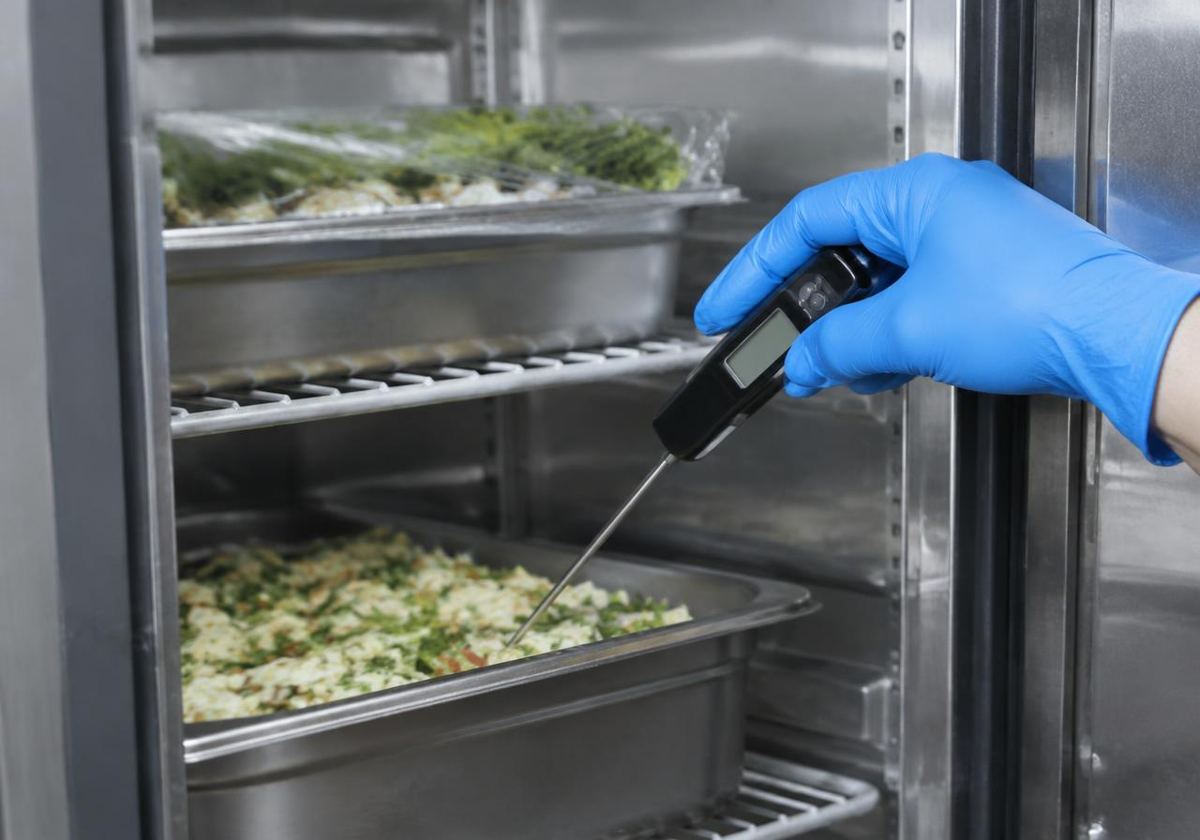
Fridge and freezer temperatures by QR
Print a label for each unit. Staff scan it, enter the reading, and SafeDay checks it against your own limits. Out-of-range readings open an issue and ask what was done.
Built for UK food businesses
From opening checks to inspection day: temperatures by QR, guided checklists, staff training and your SFBB safe methods, all on the phones your team already carry.
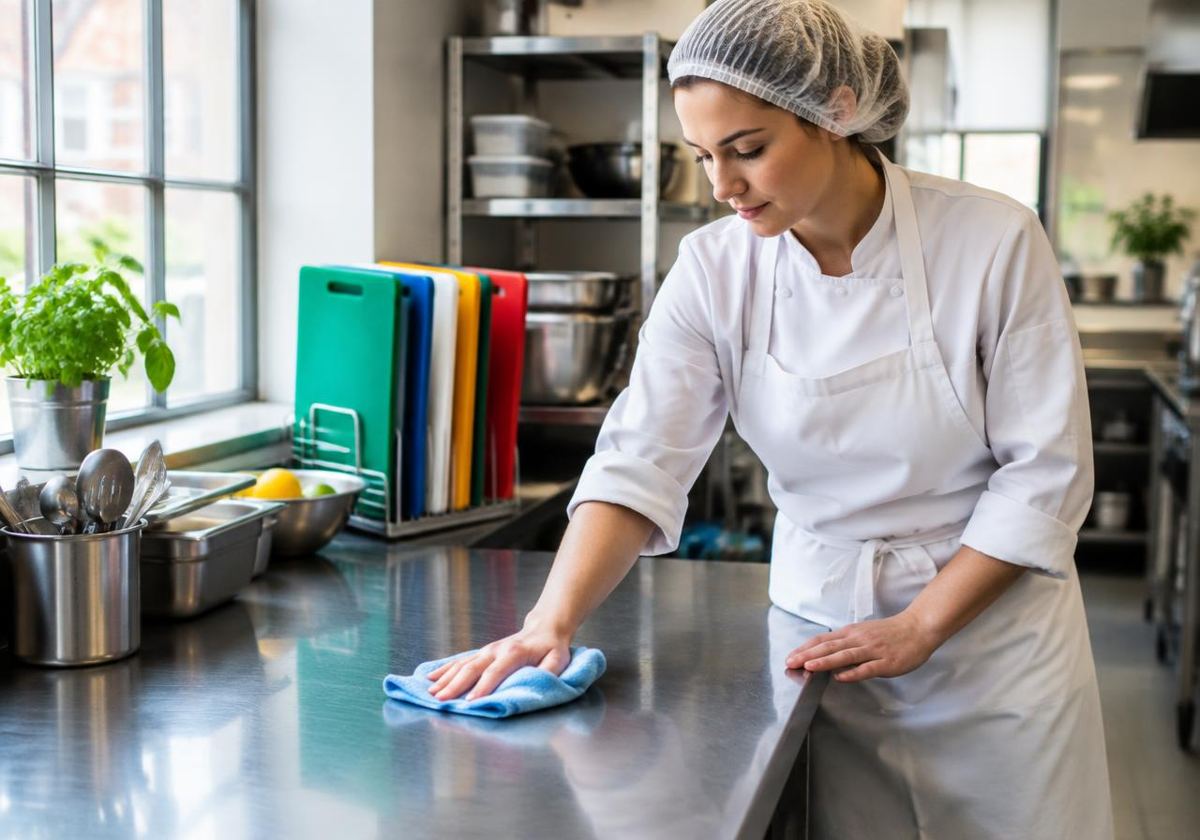
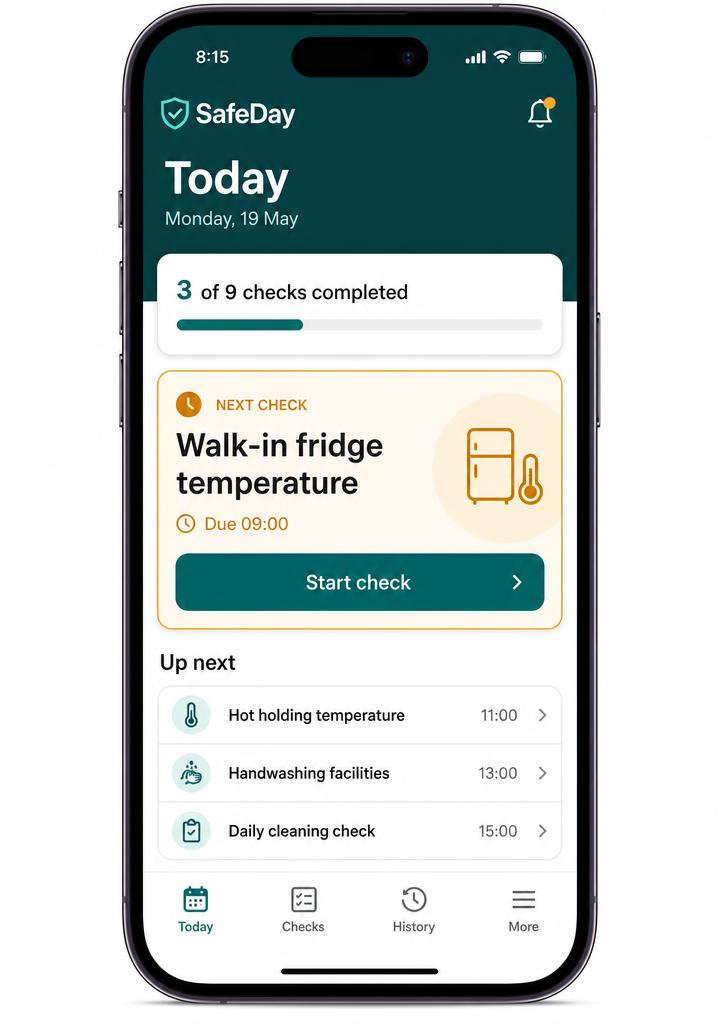
Simple enough for a new starter on a busy shift. Detailed enough for the manager on inspection day.
Print a label for each unit. Staff scan it, enter the reading, and SafeDay checks it against your own limits. Out-of-range readings open an issue and ask what was done.
One section at a time, big tick buttons, autosave. Every fridge is listed, problems need a note of what you did, and the day can't be closed with required checks missing.
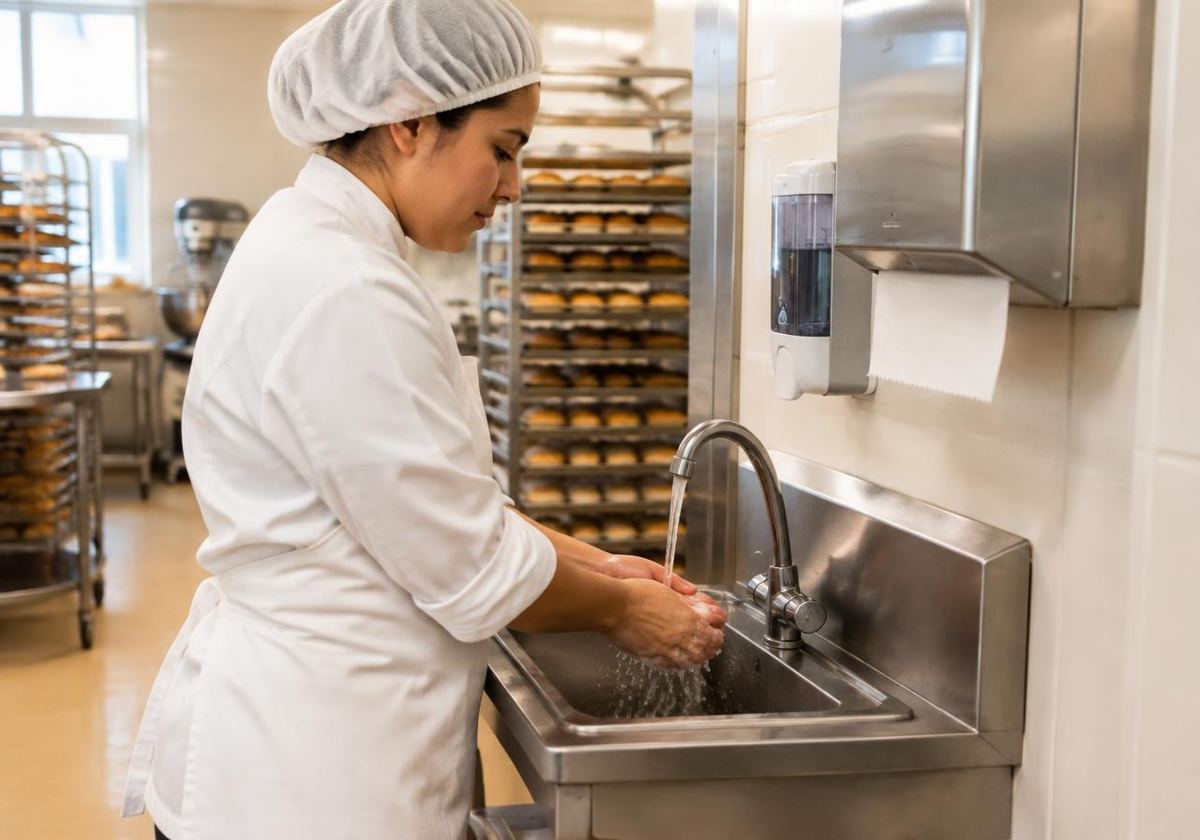
Short interactive lessons and quizzes on phones, plus practical checks a manager observes and signs. Refreshers are assigned when answers show a gap.
All 31 safe methods and the 100-page Safer Food, Better Business pack, with per-site answers, manager sign-off and the 4-weekly review.
The 14 UK allergens for every dish and product, supplier label checks, and draft PPDS labels for a person to check.
Choose a site and date range for a summary of checks, temperatures, cleaning, diary sign-offs, issues and training.
Add sites, fridges and freezers, safe limits and staff. Print QR labels.
On their phone: open, record temperatures, log problems and close the day.
See what's done, follow up issues, sign off and print reports.
Paper records are perfectly acceptable. Digital ones are easier to keep complete and to find later.
| Paper | SafeDay | |
|---|---|---|
| Who did a check and when | Handwriting and a date | Name and time saved automatically |
| Out-of-range temperature | Relies on someone noticing | Flagged straight away, with an issue opened |
| Several sites | Separate folders | Each site separate, owners see all |
| Finding past records | Search through pages | Filter by date and print |
| Changing a record | Crossing out | Original kept, changes need a reason |
Set up your first site, add your fridges and invite your team.
Start free